If you’re planning a trip abroad and want to avoid internet connection hassles, let me tell you about a small revolution that’s changing travelers’ lives: the eSIM. You don’t need to be a tech genius to understand how it works. This guide is here to demystify it all for you, step by step.
What exactly is an eSIM?
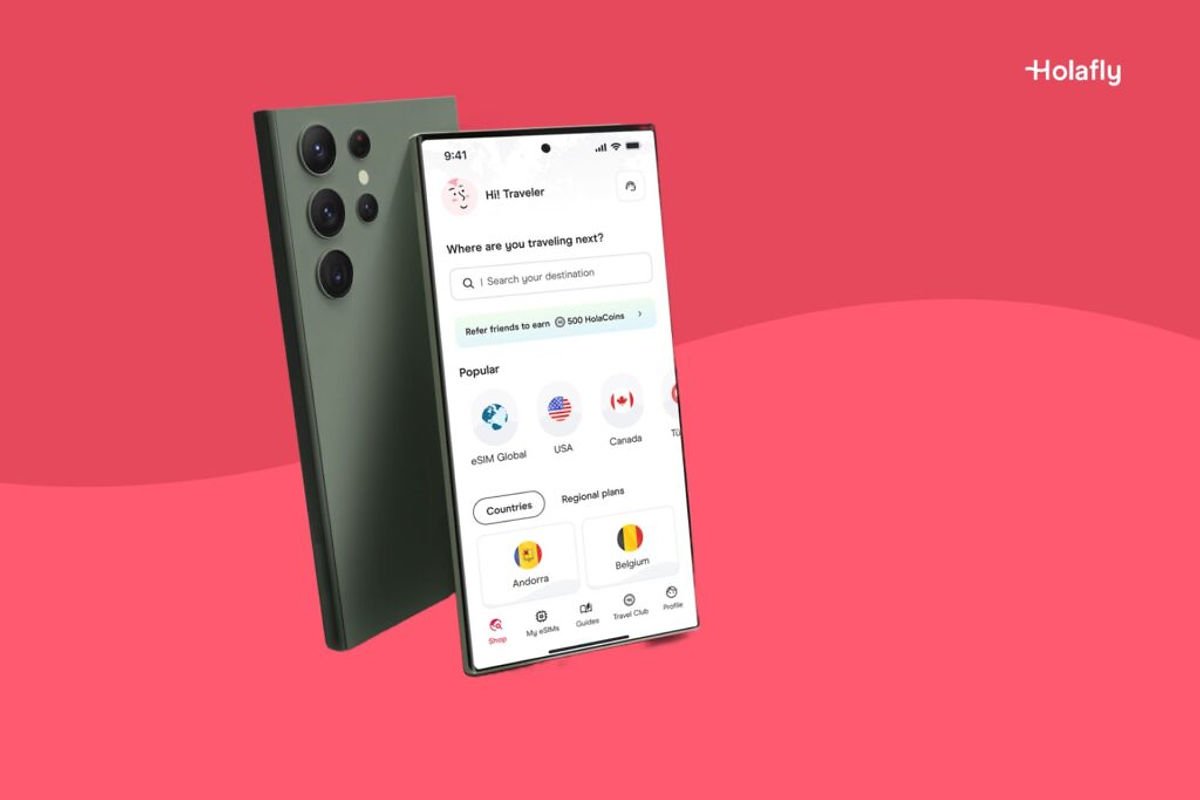
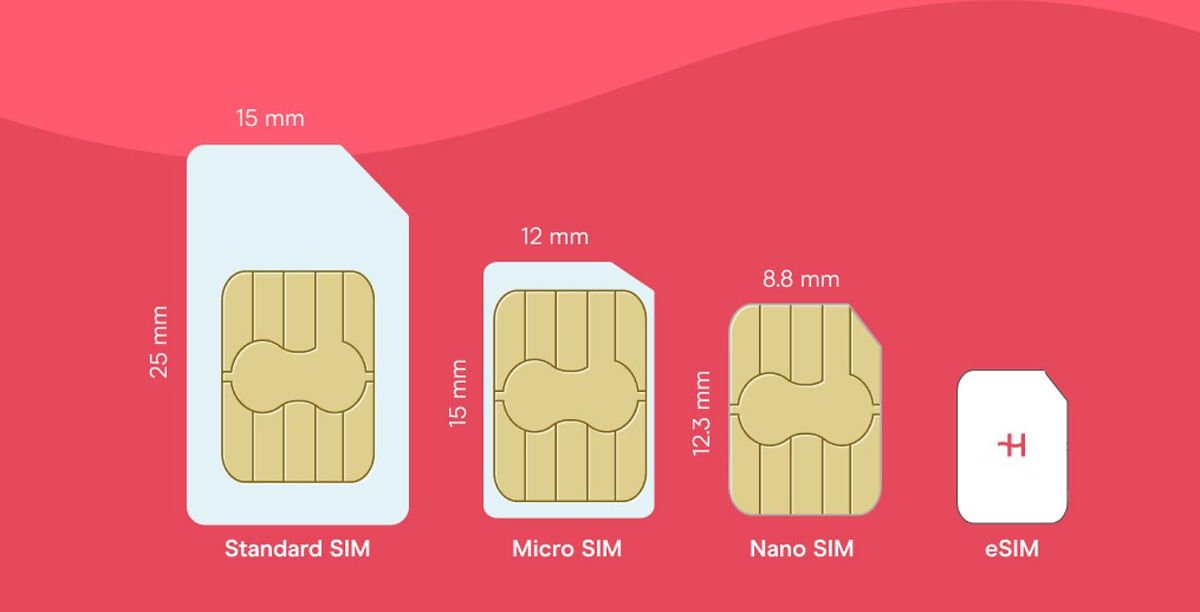
An eSIM is like a classic SIM card, except it’s virtual. It’s directly integrated into your smartphone, so you don’t need to insert a small piece of plastic. No more opening your phone, looking for a paperclip to eject the SIM tray, and praying you don’t lose it. Basically, you receive a QR code by email, you scan it, and voilà! Your plan is active in minutes, wherever you are in the world.
Today, eSIMs are used in hundreds of countries and are compatible with a growing number of phone models. Whether you use Apple, Samsung, Google, or other brands, there’s a good chance your phone supports it.
What are the advantages of an eSIM?
Here’s why the eSIM has become the best friend of connected travelers:
Instant activation: you can buy your plan from home, even before packing your suitcase.
No need to change your main SIM: you keep your main number for WhatsApp, calls, or SMS, while using the internet with the eSIM.
Zero plastic: a simple gesture for the planet.
More secure: goodbye to lost SIM cards at the airport or at the bottom of your bag.
Ideal for multi-destination trips: some eSIMs, like Holafly, allow you to stay connected in several countries with a single plan.
Responsive customer support: need help? You can chat live with an advisor (not a robot).
In short, no more struggling to find a phone kiosk at the airport or trying to understand instructions in Japanese.
Is my phone compatible?
Not all models are compatible, but if your phone is from 2019 or newer, you have a good chance. Here are some compatible models:
iPhone XS, XR, 11, 12, 13, 14, 15 (and later)
Samsung Galaxy S20, S21, S22, S23, S24, Z Flip, Fold
Google Pixel 3, 4, 5, 6, 7 and later
To be sure, you can check the official verification page here: https://esim.holafly.com/how-to/esim-phones/
And if you want to check quickly: go to your phone settings > mobile network > add a mobile plan. If you see the option to scan a QR code, that’s a good sign!
How to install an Holafly eSIM?
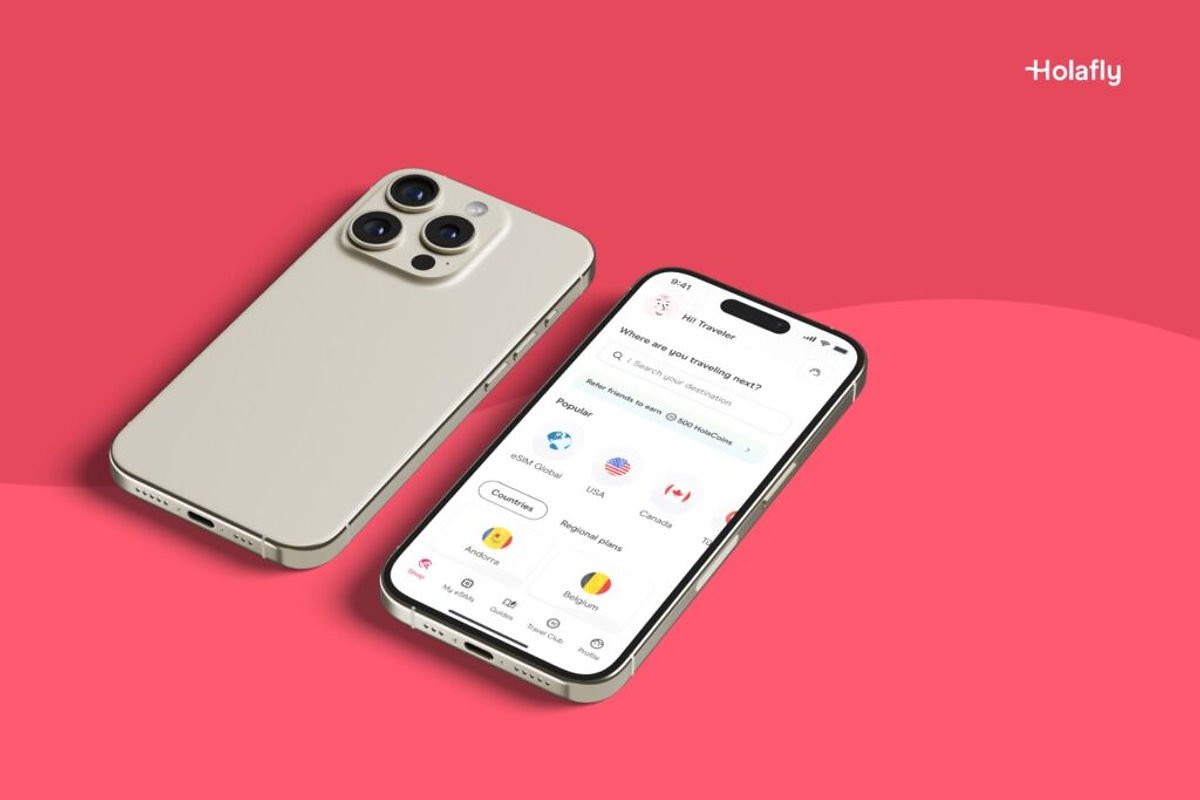
You don’t need to be a techie to do it. Here’s how it works in practice:
You choose your destination on the websiteHolafly
You order your eSIM plan with secure online payment
You receive a QR code by email and WhatsApp (fast, simple, efficient)
You open your device, scan, and you’re connected!
Little tip: on iPhone with iOS 17.4 or higher, you can even install your eSIM with a single click, without even needing to scan anything.
And the cherry on top: use the LAREUNION promo code to get 5% immediate discount on your order.
Why do I recommend Holafly?
I’ve tested several solutions, and frankly, Holafly stands out.
The website is clear, ordering is fast, and you receive everything by email in less than 2 minutes.
The plans are truly unlimited in most countries (and no unpleasant surprises regarding speed).
No hidden fees, no traps.
You can even keep your main SIM card for SMS/calls.
Their customer service is available 24/7 and super responsive on WhatsApp. A real plus when you’re in trouble in a distant country.
Holafly also offers multi-country plans (for example, Asia or South America), which avoids buying a new SIM at each border.
In summary
The eSIM is clearly an innovation that makes life easier for modern travelers. It’s simple to install, practical to use, and most importantly, you can stay connected without stress. And with Holafly, you add reliable, fast, and unlimited service to that.
So before you leave, remember to take a few minutes to activate your Holafly eSIM by clicking here and take advantage of the LAREUNION promo code for a 5% discount.
Believe me, you’ll thank me from the other side of the world.
Happy travels and stay connected 🌏
Book an activity in Réunion
Compare the best tours, boat trips, guided hikes, and activities in Réunion before booking.
This post is also available in:
 Français (French)